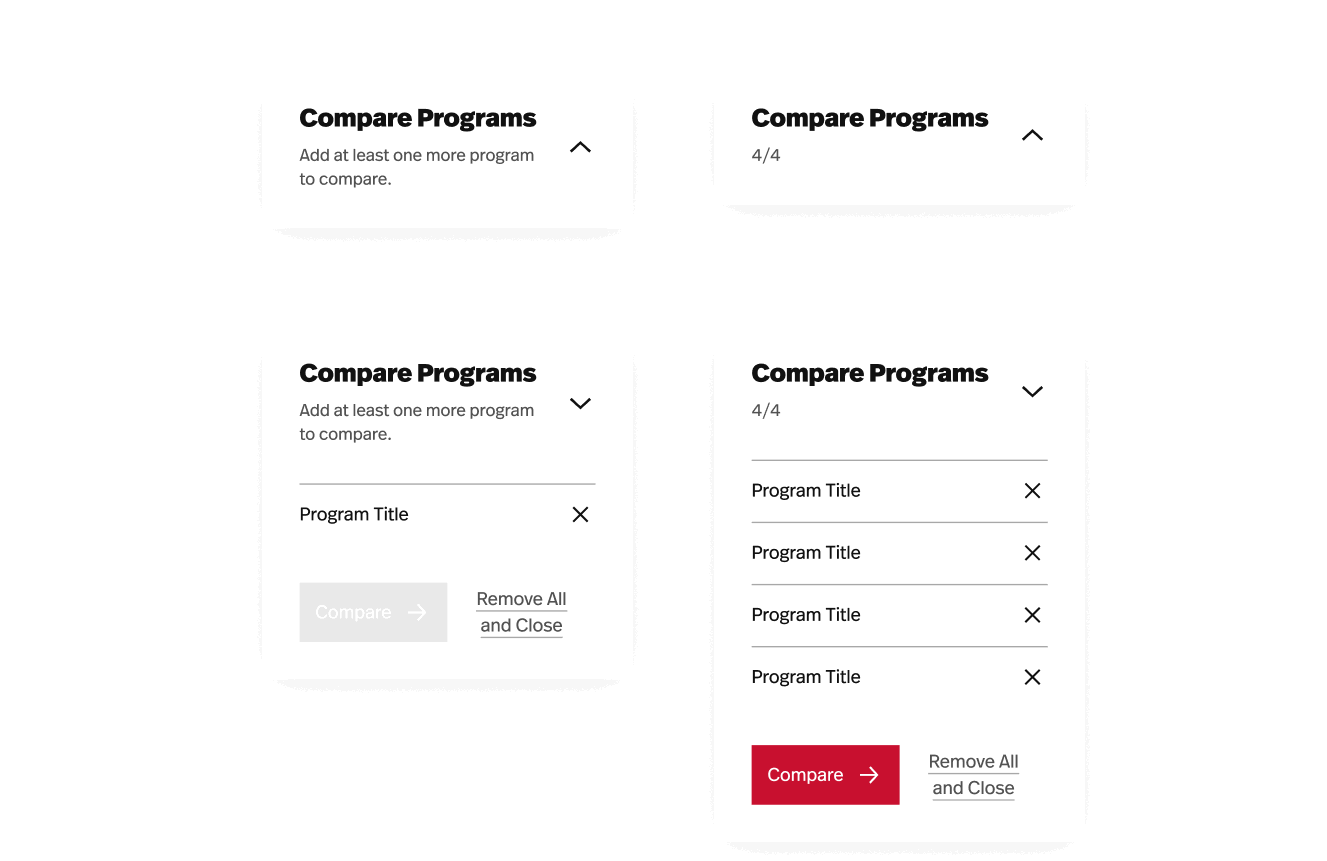
Program Comparison Drawer
This component appears whenever a user chooses to compare programs and offers them a path to the Program Comparison page.
How It Works
Anytime a user is offered a “Compare Programs” button (such as on the Program Listing page or a Program Details page) and selects it, the Program Comparison Drawer component appears to show them which programs they’ve selected so far and provide a link to the Program Comparison page.
On desktop, the drawer is sticky in the bottom right corner of the page. On mobile, it’s fixed at the bottom of the viewport and collapsed by default.
Parameters
Template availability
- Global element, automatically appears on all page templates